








- Overview
- Description
- FAQs
- Download
- Reviews
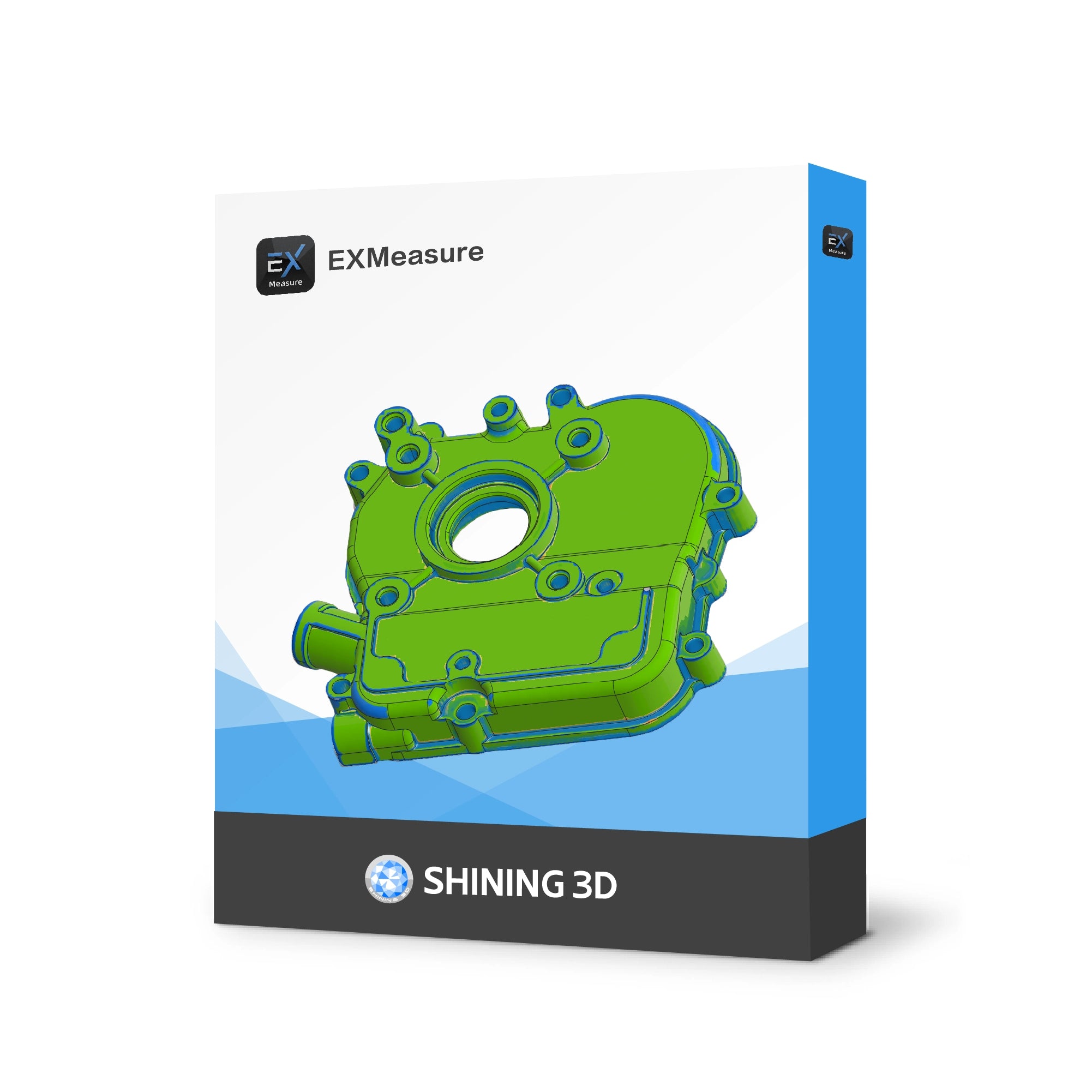
EXMeasure Software
Taxes excluded. Shipping Policy. Free shipping.
EXMeasure brings with PTB-certified measurement tools into a clear workspace. Import scan and CAD data, align models, analyze deviations, evaluate key dimensions and GD&T inspection, and create professional reports in one streamlined workflow.
No refunds or exchanges are allowed after the software has been ordered.
Please purchase carefully or consider requesting a trial before purchasing.


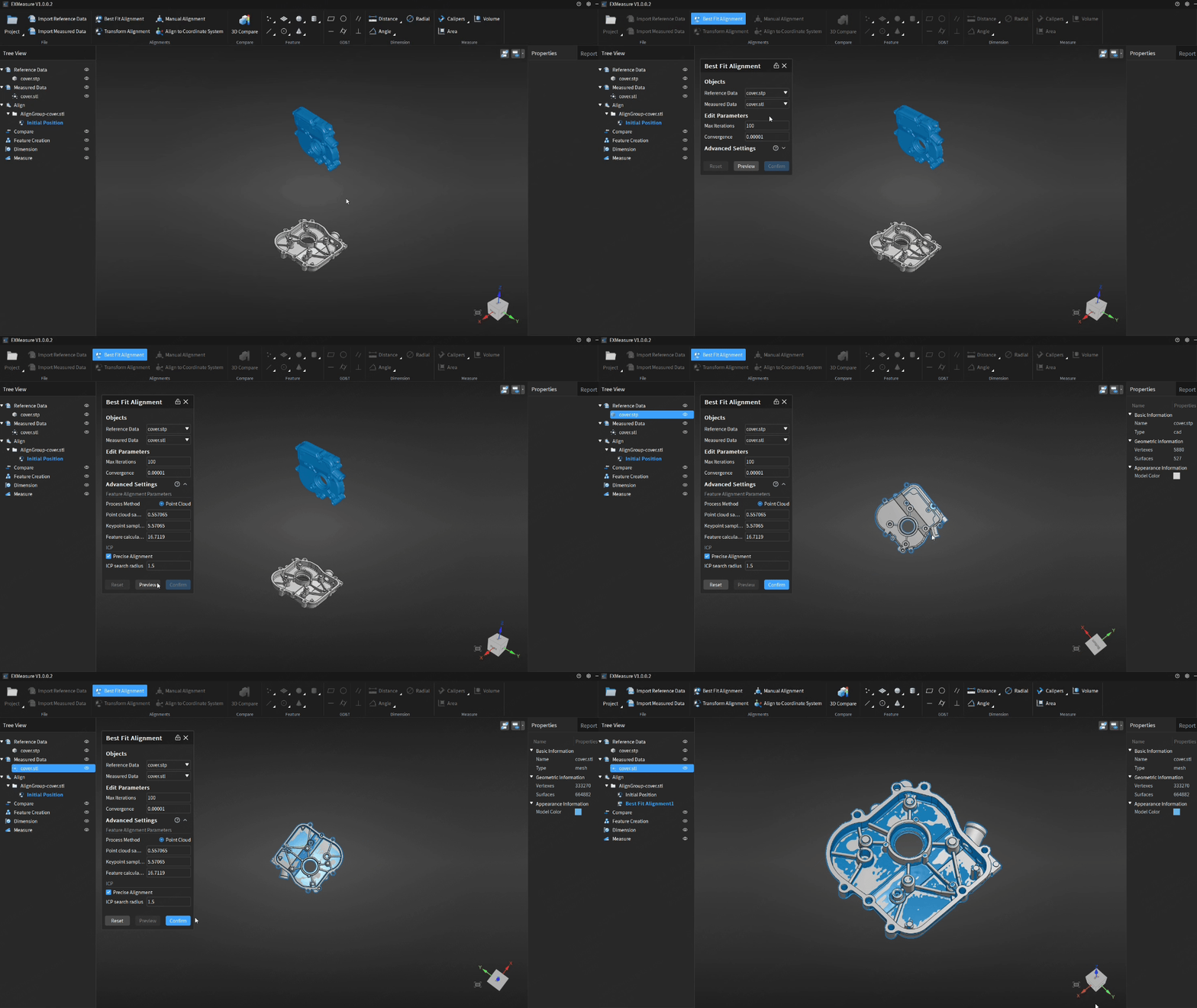
One-Click Best Fit
A tile-based interface keeps core functions visible and easy toaccess, helping operators complete routine measurement taskswith fewer steps.
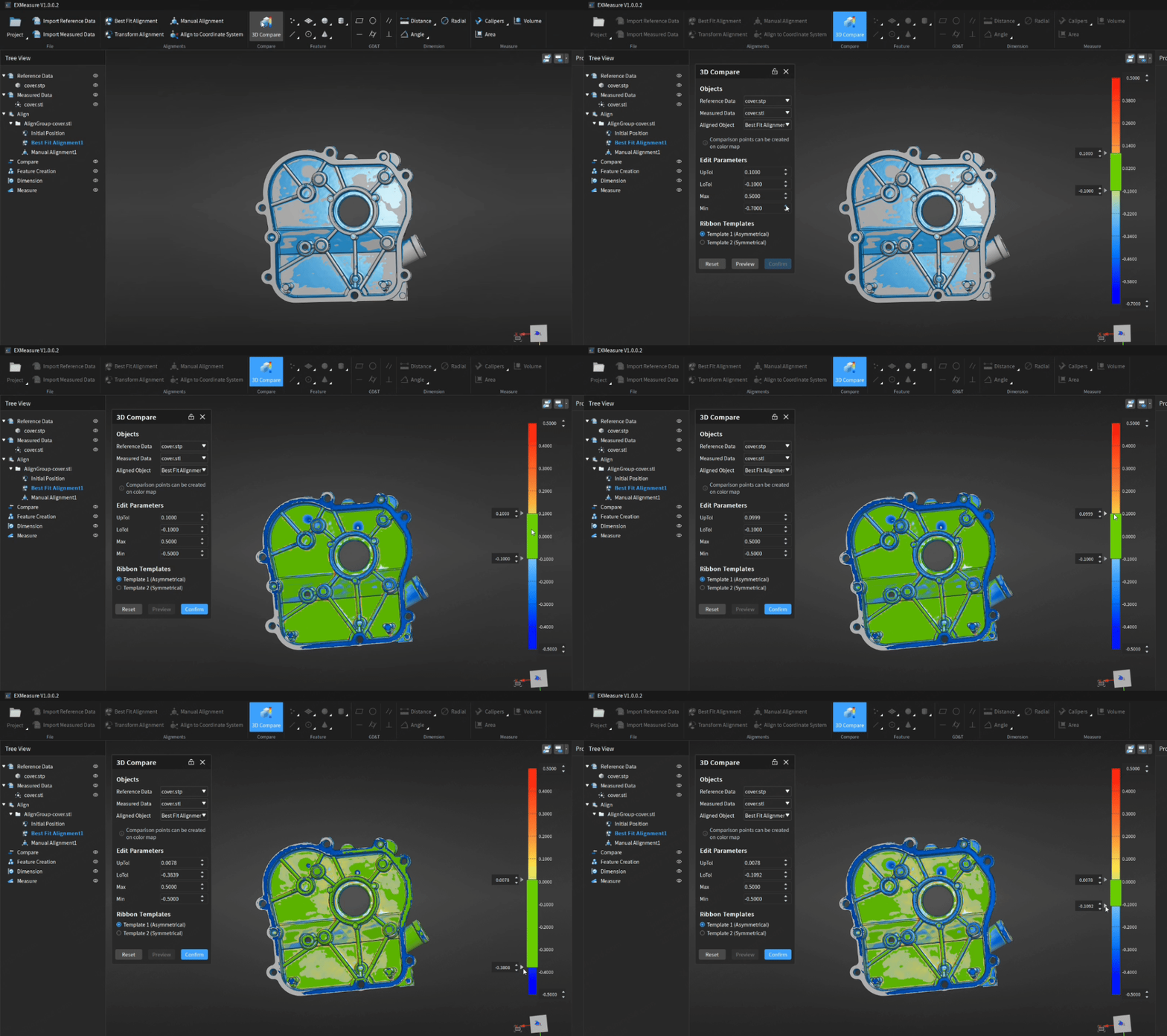
Full-Field 3D Comparison
Compare measured scan data with reference models, generate intuitive color maps, and customize tolerance bands for immediate pass/fail interpretation.
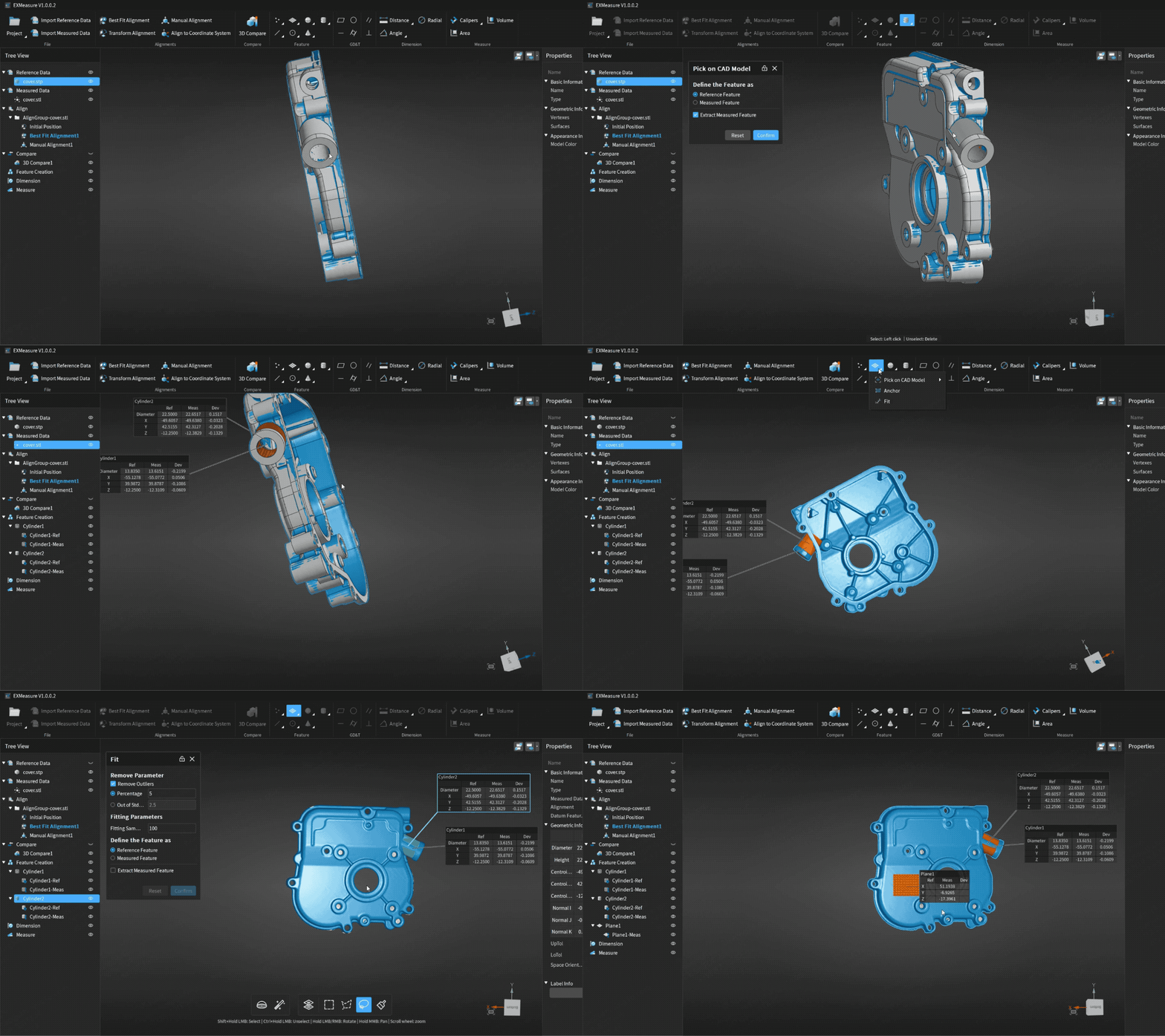
Versatile Feature Construction
Create points, lines, planes, circles, spheres, cones and cylinders using CAD selection, fitted data or anchored construction methods.
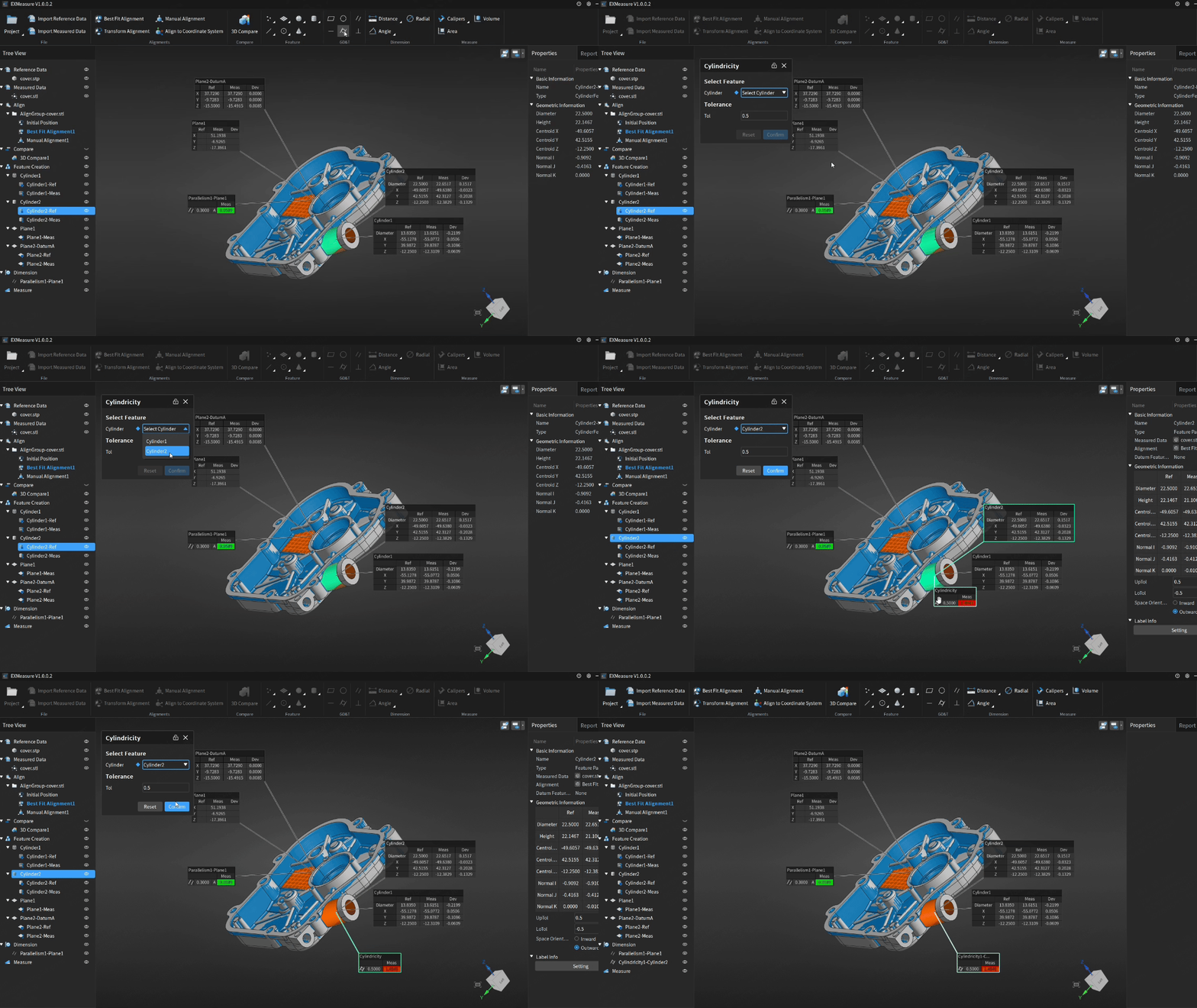
Essential GD&T Evaluation
Set datum, Inspect straightness, flatness, circularity, cylindricity, parallelism and perpendicularity, with clear in-tolerance and out-of-tolerance results.
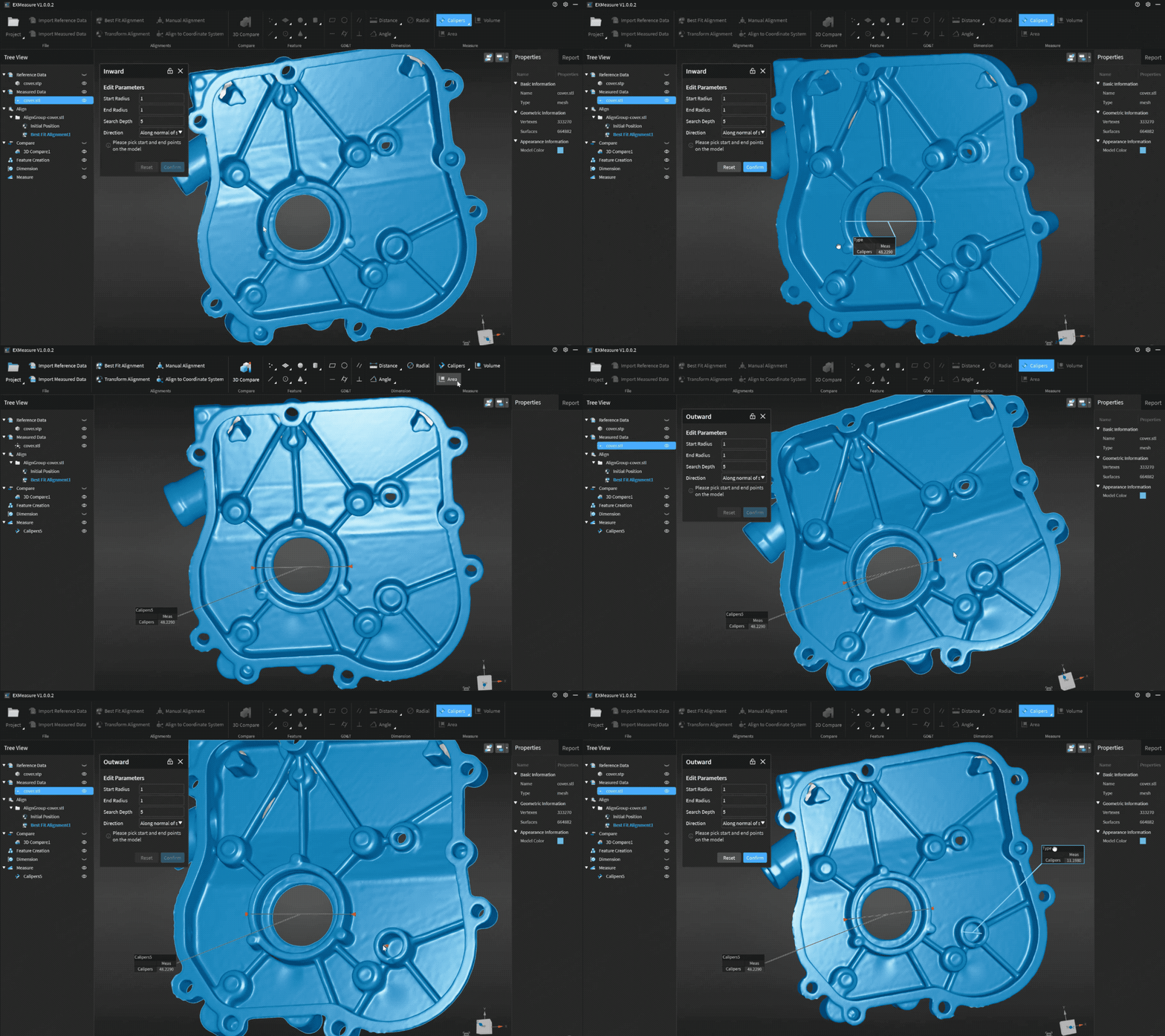
Precise Measurement
Use a virtual caliper to measure internal and external diameters, and measure distances and angles between points, lines and planes. Enjoy flexible operation with accurate, reliablemeasurement results.
FAQ
How can I purchase EXMeasure?
EXMeasure is available in two ways:
If you are an EinScan Trak user, you will receive a free one-year EXMeasure license. Simply download and install the EXScan Trak software package, and EXMeasure will be installed on your computer automatically.
If you would like to purchase EXMeasure separately, please fill out the contact form on our official website, and our team will get in touch with you.
How can I activate EXMeasure?
If you have purchased EinScan Trak, you will find an activation card with a license code inside the product package. Enter the license code into SnLock, the license management tool installed together with the software, to activate EXMeasure.
If you purchased EXMeasure separately, please contact license@shining3d.com for activation support.
Is there a free trial of EXMeasure?
Currently, EXMeasure does not offer a free trial. Other promotional offers may be available depending on the product model purchased.
What is the difference between EXMeasure and SHINING 3D Inspect?
Compared with SHINING 3D Inspect, EXMeasure does not support direct scanning with a 3D scanner and does not include metrology inspection capabilities or specialized customization modules.
SHINING 3D Inspect provides more feature set for functions in feature creation, GD&T inspection, and model alignment sessions. For a detailed comparison, please refer to the comparison table.